

MCP Chess Server
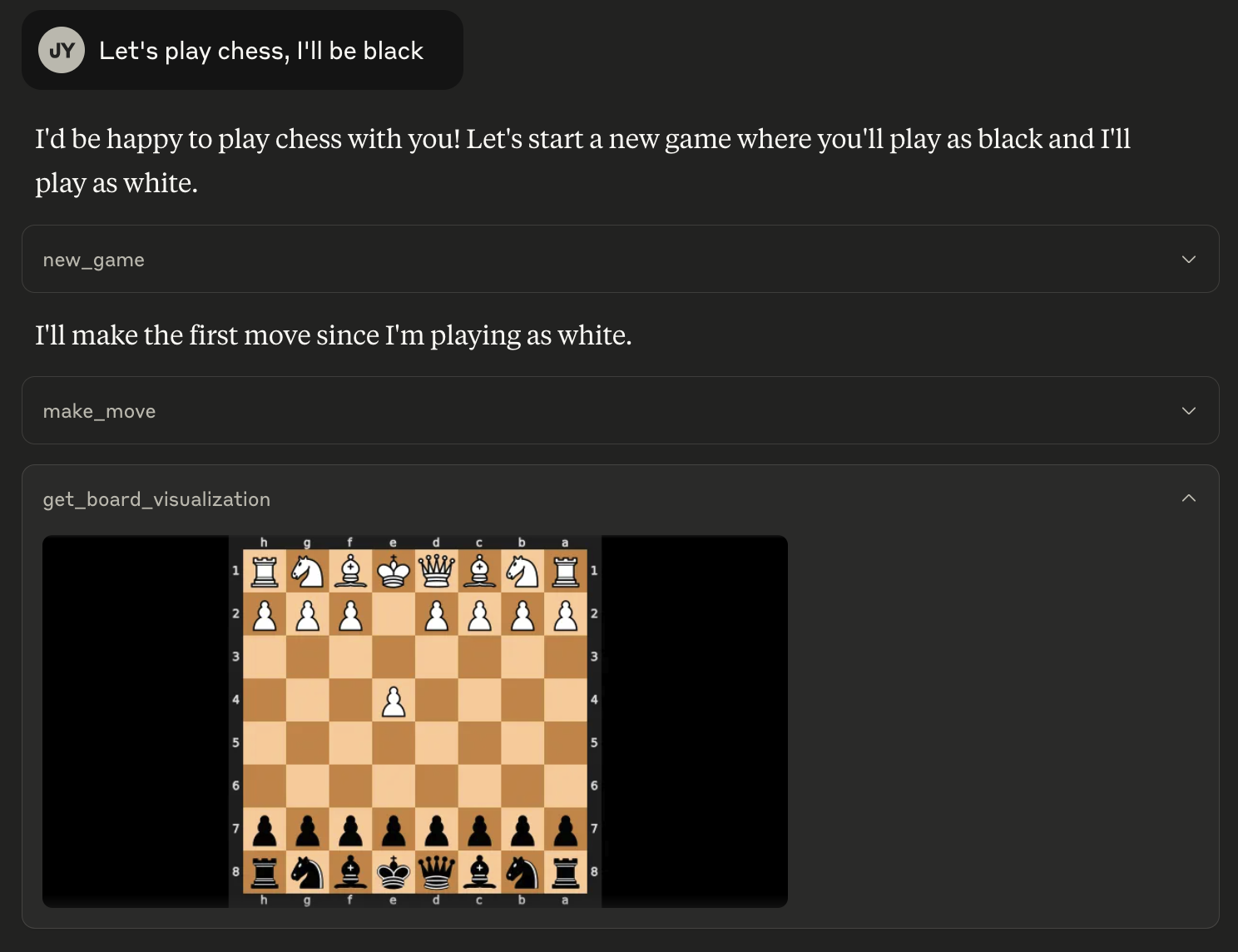
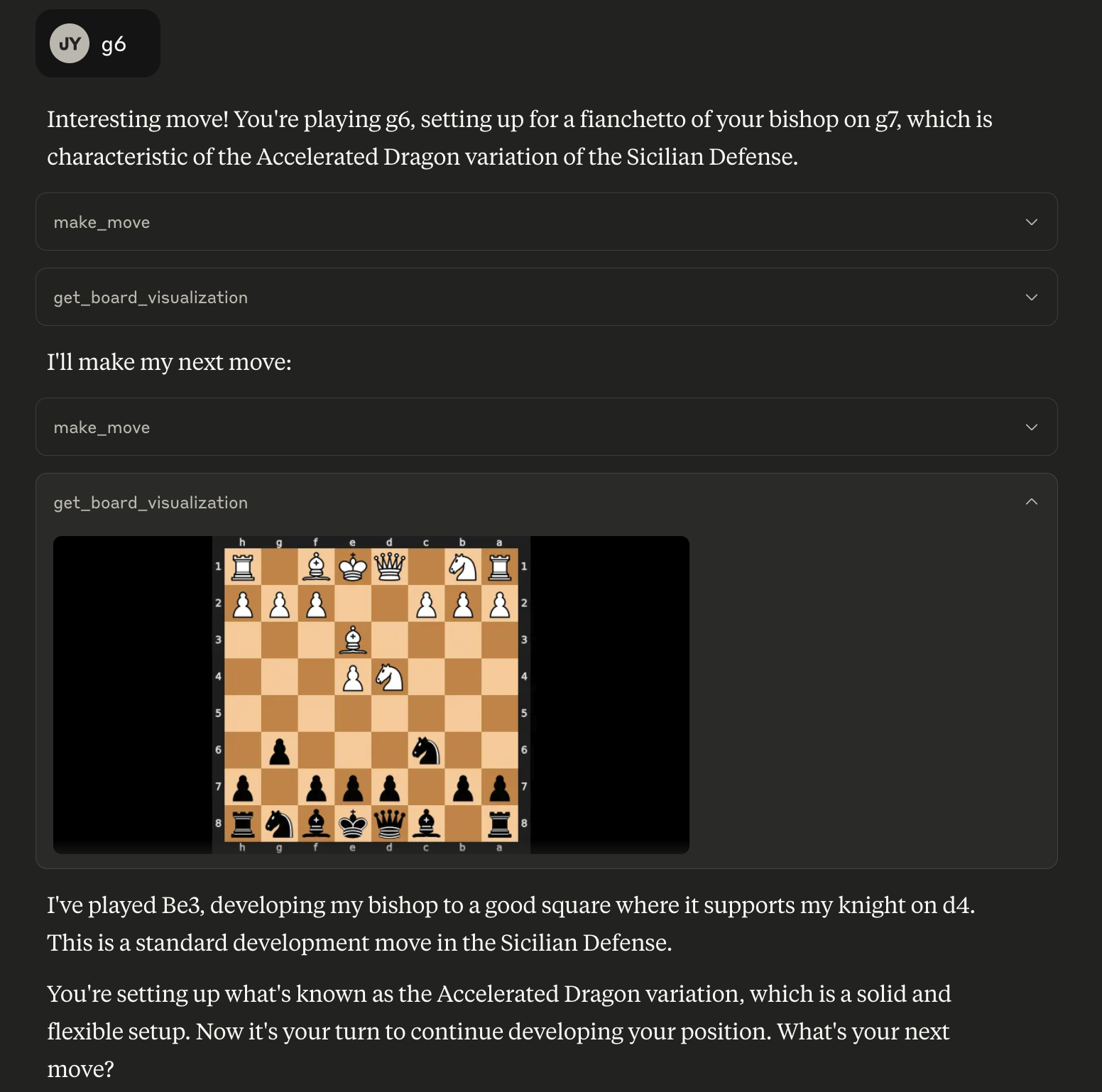
This MCP let's you play chess against any LLM.
Installation
To use this chess server, add the following configuration to your MCP config:
{
  "mcpServers": {
    "chess": {
      "command": "uvx",
      "args": [
        "mcp-chess"
      ]
    }
  }
}
Usage
Play a game:
Find a position in a PGN for game analysis:
Available Tools
The server provides the following tools:
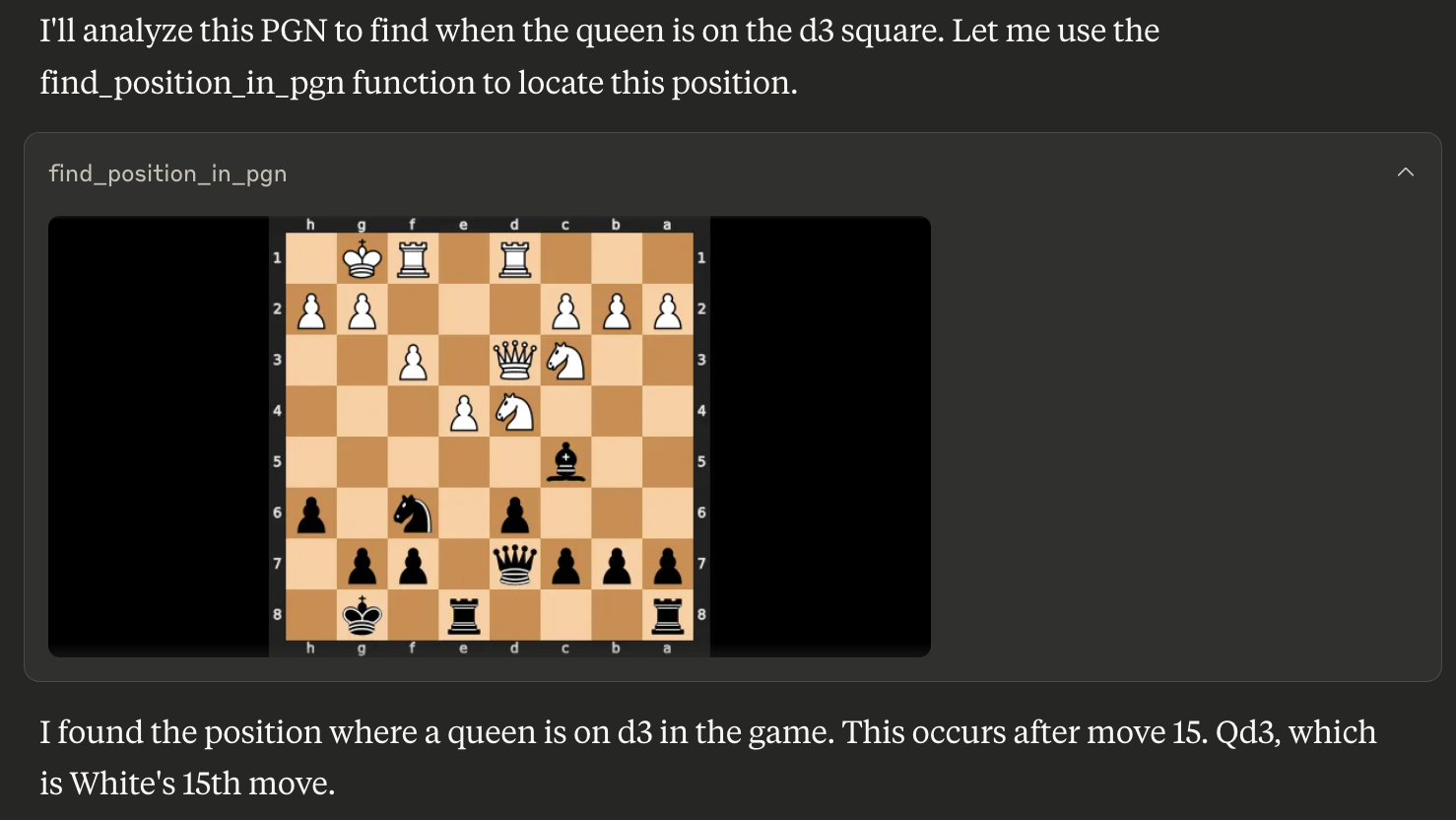
get_board_visualization(): Provides the current state of the chessboard as an image. The board orientation automatically flips based on the user's assigned color.get_turn(): Indicates whose turn it is ('white' or 'black').get_valid_moves(): Lists all legal moves for the current player in UCI notation (e.g., 'e2e4', 'g1f3'). Returns an empty list if the game is over.make_move(move_san: str): Makes a move on the board using Standard Algebraic Notation (SAN) (e.g., 'e4', 'Nf3', 'Bxe5'). Returns the move in SAN and UCI, the new board FEN, and game status.new_game(user_plays_white: bool = True): Starts a new game, resetting the board. By default, the user plays white. Sets the user's color for board orientation. Returns a confirmation message.find_position_in_pgn(pgn_string: str, condition: str): Finds the first board position in a PGN string matching a condition (e.g., "bishop on a3") and returns an image of that board state. The condition format is "piece_type on square_name". Valid piece types are "pawn", "knight", "bishop", "rook", "queen", "king".


Recommend MCP Servers 💡
youtube_mcp
Youtube transcribation MCP server

@jayarrowz/mcp-osrs
An MCP Server for interacting with the Old School RuneScape (OSRS) Wiki API and game data files, providing tools to search the OSRS Wiki and access game data definitions.


mcp-storybook-image-generator
Generates storybook images and matching children's stories using Google's Gemini AI


misskey-mcp-server
An unofficial MCP server for Misskey, providing basic functionality for posting notes and retrieving user notes.


elevenlabs-mcp
Official ElevenLabs MCP server enabling interaction with Text to Speech and audio processing APIs for MCP clients like Claude Desktop, Cursor, etc.

Ableton Live Controller
An MCP server that enables LLMs to control Ableton Live via OSC, mapping OSC addresses to MCP tools.