

NewsNow

[!NOTE] This is a demo version currently supporting Chinese only. A full-featured version with better customization and English content support will be released later.
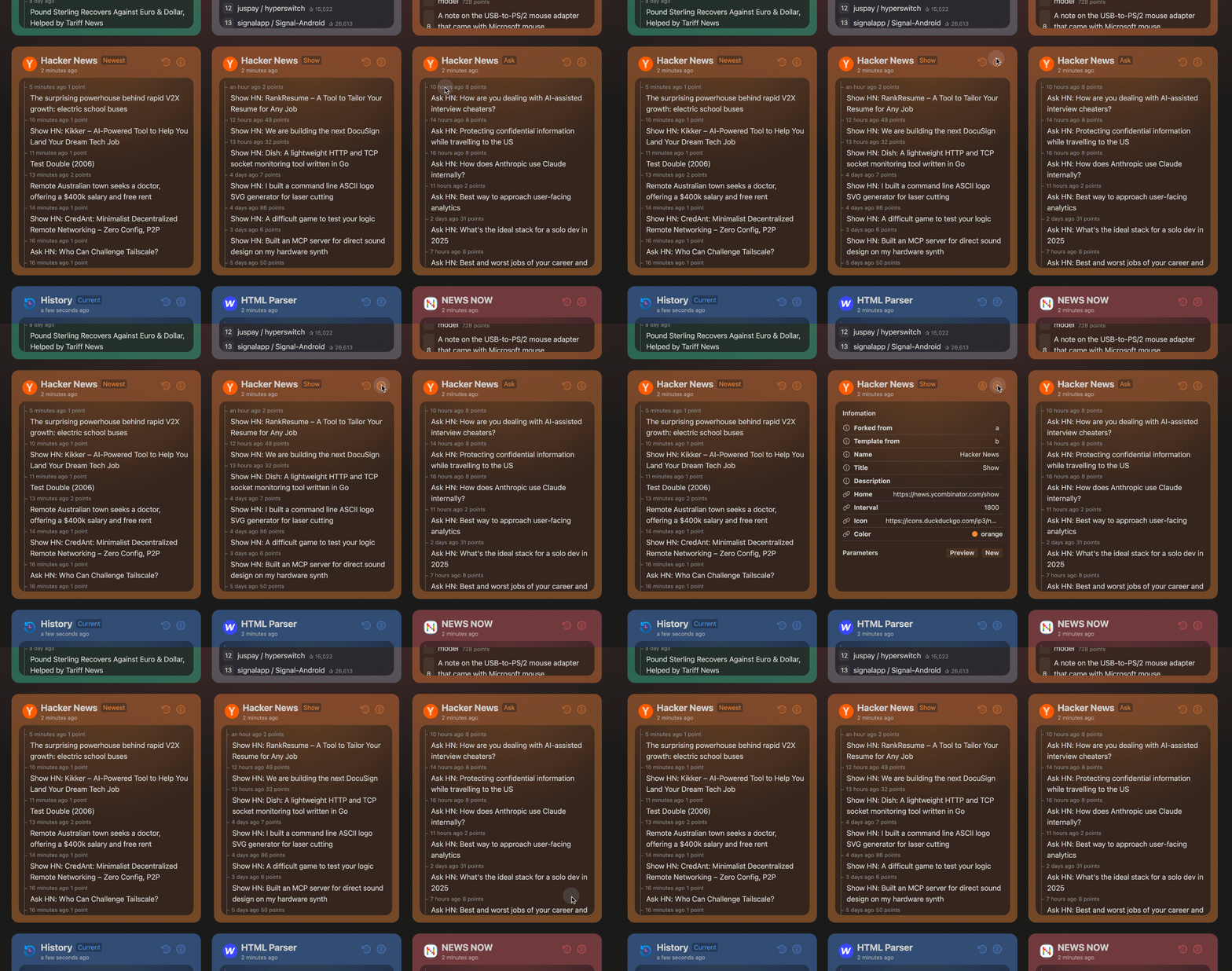
Elegant reading of real-time and hottest news
Features
- Clean and elegant UI design for optimal reading experience
- Real-time updates on trending news
- GitHub OAuth login with data synchronization
- 30-minute default cache duration (logged-in users can force refresh)
- Adaptive scraping interval (minimum 2 minutes) based on source update frequency to optimize resource usage and prevent IP bans
- support MCP server
{
  "mcpServers": {
    "newsnow": {
      "command": "npx",
      "args": [
        "-y",
        "newsnow-mcp-server"
      ],
      "env": {
        "BASE_URL": "https://newsnow.busiyi.world"
      }
    }
  }
}
You can change the BASE_URL to your own domain.
Deployment
Basic Deployment
For deployments without login and caching:
- Fork this repository
- Import to platforms like Cloudflare Page or Vercel
Cloudflare Page Configuration
- Build command:
pnpm run build - Output directory:
dist/output/public
GitHub OAuth Setup
- Create a GitHub App
- No special permissions required
- Set callback URL to:
https://your-domain.com/api/oauth/github(replaceyour-domainwith your actual domain) - Obtain Client ID and Client Secret
Environment Variables
Refer to example.env.server. For local development, rename it to .env.server and configure:
# Github Client ID
G_CLIENT_ID=
# Github Client Secret
G_CLIENT_SECRET=
# JWT Secret, usually the same as Client Secret
JWT_SECRET=
# Initialize database, must be set to true on first run, can be turned off afterward
INIT_TABLE=true
# Whether to enable cache
ENABLE_CACHE=true
Database Support
Supported database connectors: https://db0.unjs.io/connectors Cloudflare D1 Database is recommended.
- Create D1 database in Cloudflare Worker dashboard
- Configure database_id and database_name in wrangler.toml
- If wrangler.toml doesn't exist, rename example.wrangler.toml and modify configurations
- Changes will take effect on next deployment
Docker Deployment
In project root directory:
docker compose up
You can also set Environment Variables in docker-compose.yml.
Development
[!Note] Requires Node.js >= 20
corepack enable
pnpm i
pnpm dev
Adding Data Sources
Refer to shared/sources and server/sources directories. The project provides complete type definitions and a clean architecture.
For detailed instructions on how to add new sources, see CONTRIBUTING.md.
Roadmap
- Add multi-language support (English, Chinese, more to come).
- Improve personalization options (category-based news, saved preferences).
- Expand data sources to cover global news in multiple languages.
release when ready
Contributing
Contributions are welcome! Feel free to submit pull requests or create issues for feature requests and bug reports.
See CONTRIBUTING.md for detailed guidelines on how to contribute, especially for adding new data sources.
License
MIT © ourongxing


Recommend MCP Servers 💡

@ragieai/mcp-server
Ragie Model Context Protocol Server

fulcra-context-mcp
An MCP server for accessing Fulcra Context data via the Fulcra API


root-signals
An MCP server that exposes Root Signals evaluators as tools, enabling AI assistants and agents to evaluate LLM responses against various quality criteria.

bear
A Model Context Protocol (MCP) server that allows AI assistants like Claude to read notes from the [Bear](https://bear.app/) note-taking app. This implementation connects directly to the Bear SQLite database in a read-only mode, ensuring your notes remain safe and unmodified.

mcpjungle/MCPJungle
A self-hosted Model Context Protocol (MCP) Registry and Gateway that allows AI agents to discover and consume tools from various registered MCP servers, providing centralized management, security, and access control for private AI agents within an organization.

winx-code-agent
✨ A high-performance code agent written in Rust, combining the best features of WCGW for maximum efficiency and semantic capabilities. 🦀
