

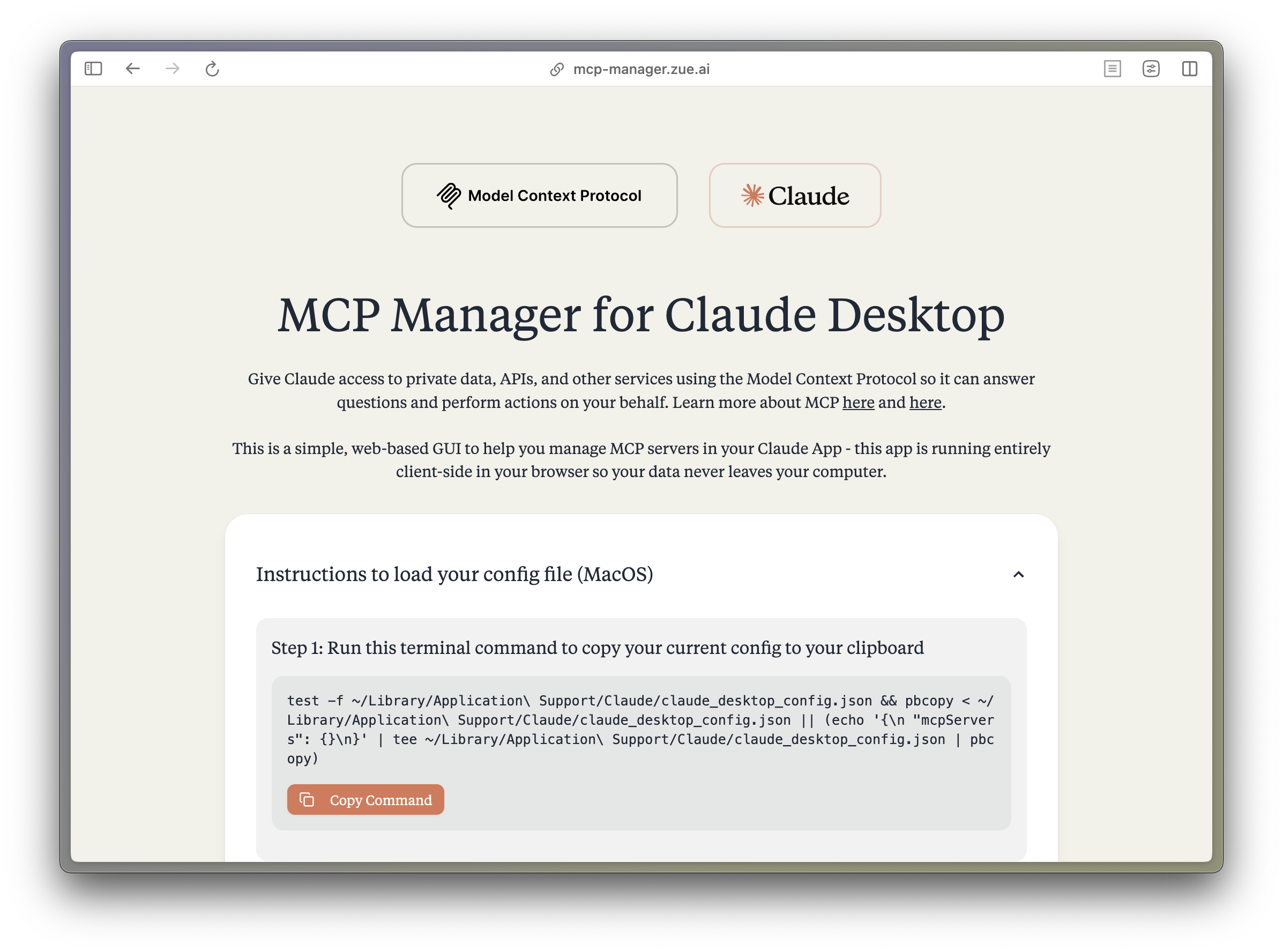
MCP Manager for Claude Desktop
A desktop application to manage Model Context Protocol (MCP) servers for the Claude Desktop app on MacOS. Just follow the instructions and paste a few commands to give your Claude app instant superpowers.
What is MCP?
The Model Context Protocol (MCP) enables Claude to access private data, APIs, and other services to answer questions and perform actions on your behalf. Learn more about MCP at:
Features
- 🚀 Easy-to-use desktop interface for managing MCP servers
- 🔒 Runs locally - your data never leaves your computer
- ⚡️ Quick setup for popular MCP servers:
- Apple Notes - Access and search your Apple Notes
- AWS Knowledge Base - Access and query AWS Knowledge Base for information retrieval
- Brave Search - Search the web with Brave Search API
- Browserbase - Let Claude explore the web with Browserbase
- Cloudflare - Manage your Cloudflare workers and account resources
- Everart - Interface with Everart API for digital art and design tools
- Exa - Search the web with Exa
- Filesystem - Access and manage local filesystem
- GitHub - Access your GitHub repositories
- GitLab - Manage GitLab repositories and resources
- Google Drive - Access and search files in your Google Drive
- Google Maps - Access Google Maps API for location services
- Memory - Give Claude memory of previous conversations
- Obsidian - Read and search files in your Obsidian vault
- Perplexity - Search the web with Perplexity API
- PostgreSQL - Connect and interact with PostgreSQL databases
- Puppeteer - Automate browser interactions
- Sequential Thinking - Enable step-by-step reasoning
- Slack - Access your Slack workspace
- SQLite - Manage SQLite databases
- Todoist - Access and search your Todoist tasks
- YouTube Transcript - Access and search YouTube transcripts
- 🛠 Simple configuration of environment variables and server settings
- 📋 One-click copying of terminal commands for installation
Tech Stack
- Desktop Framework:
- Electron 29.1.4 with React 18.3.1
- TypeScript 5.6.2
- Build Tool:
- Vite 6.0.1
- Electron Builder 25.1.8
- UI Components:
- TailwindCSS 3.4.16
- DaisyUI 4.12.14
- Lucide React 0.468.0 for icons
- Tiempos Font
- Code Quality:
- Biome 1.9.4
- ESLint 9.15.0
- Package Manager: Bun
Project Structure
src/
├── components/ # React components
│ ├── server-configs/ # Server-specific configuration components
│ └── ...
├── assets/ # Static assets and fonts
├── App.tsx # Main application component
├── server-configs.ts # MCP server configurations
└── utils.ts # Utility functions
electron/
├── main.ts # Electron main process
└── tsconfig.json # TypeScript config for Electron
Development
-
Install dependencies:
bun install -
Start development:
bun electron:dev -
Build for MacOS:
rm -rf dist dist-electron # When rebuilding bun electron:build # Creates .dmg installer -
Additional commands:
bun check # Run TypeScript checks and Biome formatting
bun lint # Run ESLint
Work to be done
Add preset MCPs:
- Fetch
- Time-related
- Sentry
Contributions to resolve these are welcome!
Contributing
Contributions are extremely welcome! Please open a PR with new MCP servers or any other improvements to the codebase.
Disclaimer
This project is not affiliated with Anthropic. All logos are trademarks of their respective owners.
License
MIT
Recommend MCP Servers 💡

mcp-telemetry
A Model Context Protocol (MCP) server for telemetry within chat systems, enabling tracing and analysis of conversations using Weights & Biases Weave.


mcp-for-next.js
An example Next.js MCP server that uses the Vercel MCP Adapter (mcp-handler) to integrate Model Context Protocol functionality into Next.js projects.


@sokyran/location-mcp-server
An MCP server that provides location data from a local macOS app


code-merge
A Model Context Protocol (MCP) server for code file content extraction, merging, and analysis, designed to help large language models process and analyze codebases.

OpenMCP
OpenMCP is a standard for converting web APIs into MCP servers and an open source registry of servers following the standard. It enables LLMs to fetch data and perform actions across various domains.

@arabold/docs-mcp-server
A MCP server for fetching, processing, indexing, and searching documentation for various software libraries and packages.
