

TranslationX MCP Server (Python)
搭建Python虚拟环境
我们推荐通过uv构建虚拟环境来运行MCP server,关于`uv你可以在这里找到一些说明。
按照官方流程,你会安装Python包管理工具uv。除此之外,你也可以尝试其他方法(如Anaconda)来创建你的Python虚拟环境。
通过uv添加mcp依赖
uv add "mcp[cli]"
验证mcp依赖是否安装成功,执行如下命令
uv run mcp
当出现下图时代表安装成功

通过uv安装python,最低版本要求为3.13
uv python install 3.13
获取 MCP Server
前往TranslationX Mcp Server 官方开源仓库下载
配置本地项目
通过uv创建一个项目
uv init mcp_server_translation
将src文件夹拷贝到该目录下,通过如下命令测试mcp server是否正常运行
uv run --with mcp[cli] mcp run {YOUR_PATH}/src/main.py
# 如果是mac,需要加转义符
uv run --with mcp\\[cli\\] mcp run {YOUR_PATH}/src/main.py
如果没有报错则MCP Server启动成功
在Cursor中使用
打开Cursor配置,在MCP中添加MCP Server
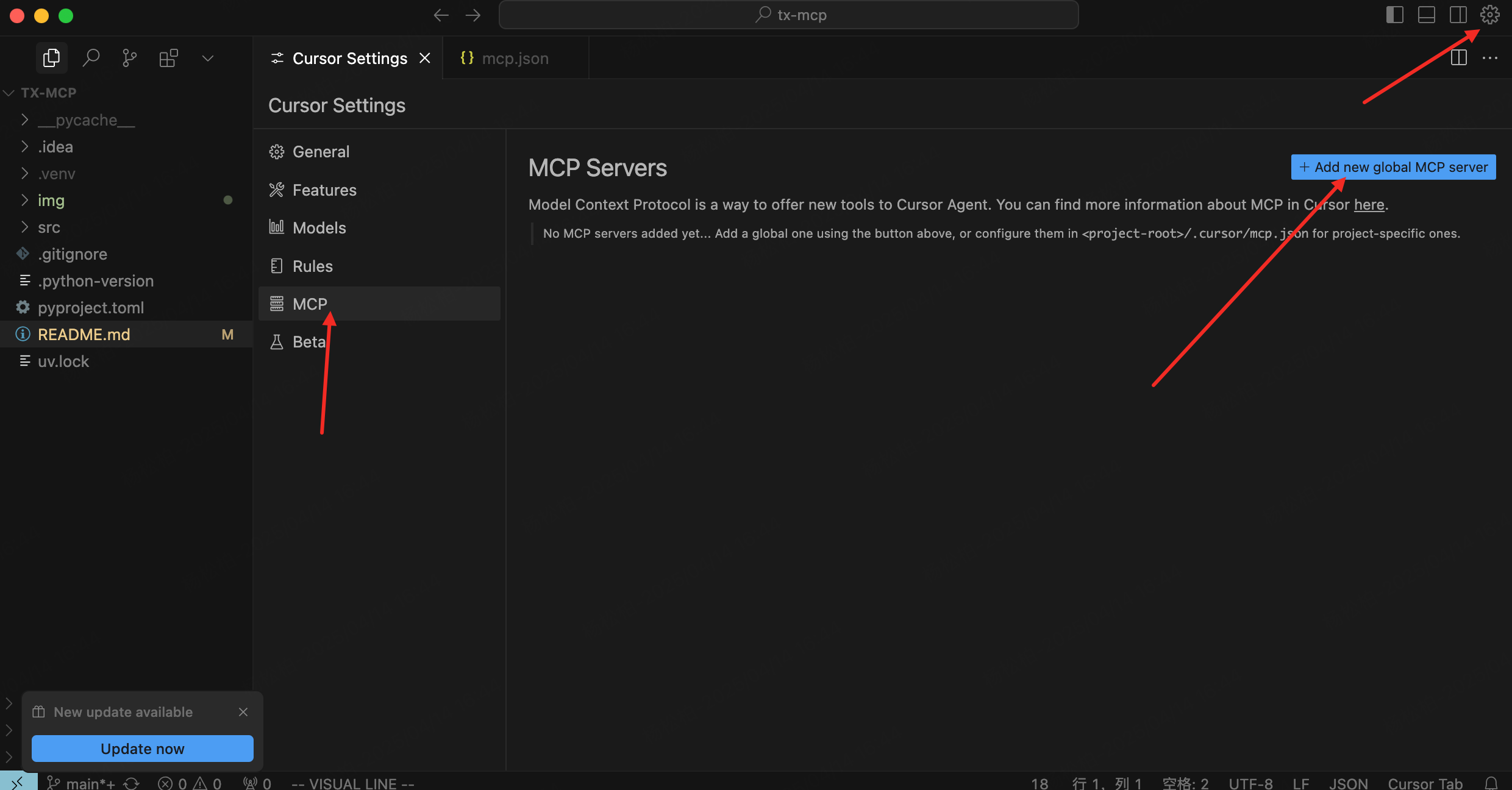
在文件中添加如下内容后保存, TRANSLATIONX_TOKEN 可以在X-DOC中获取
{
  "mcpServers": {
    "translationx": {
      "command": "uv",
      "args": [
        "run",
        "--with",
        "mcp[cli]",
        "mcp",
        "run",
        "{YOUR_PATH}/src/main.py"
      ],
      "env": {
        "token": "<YOUR_TRANSLATIONX_TOKEN>"
      }
    }
  }
}
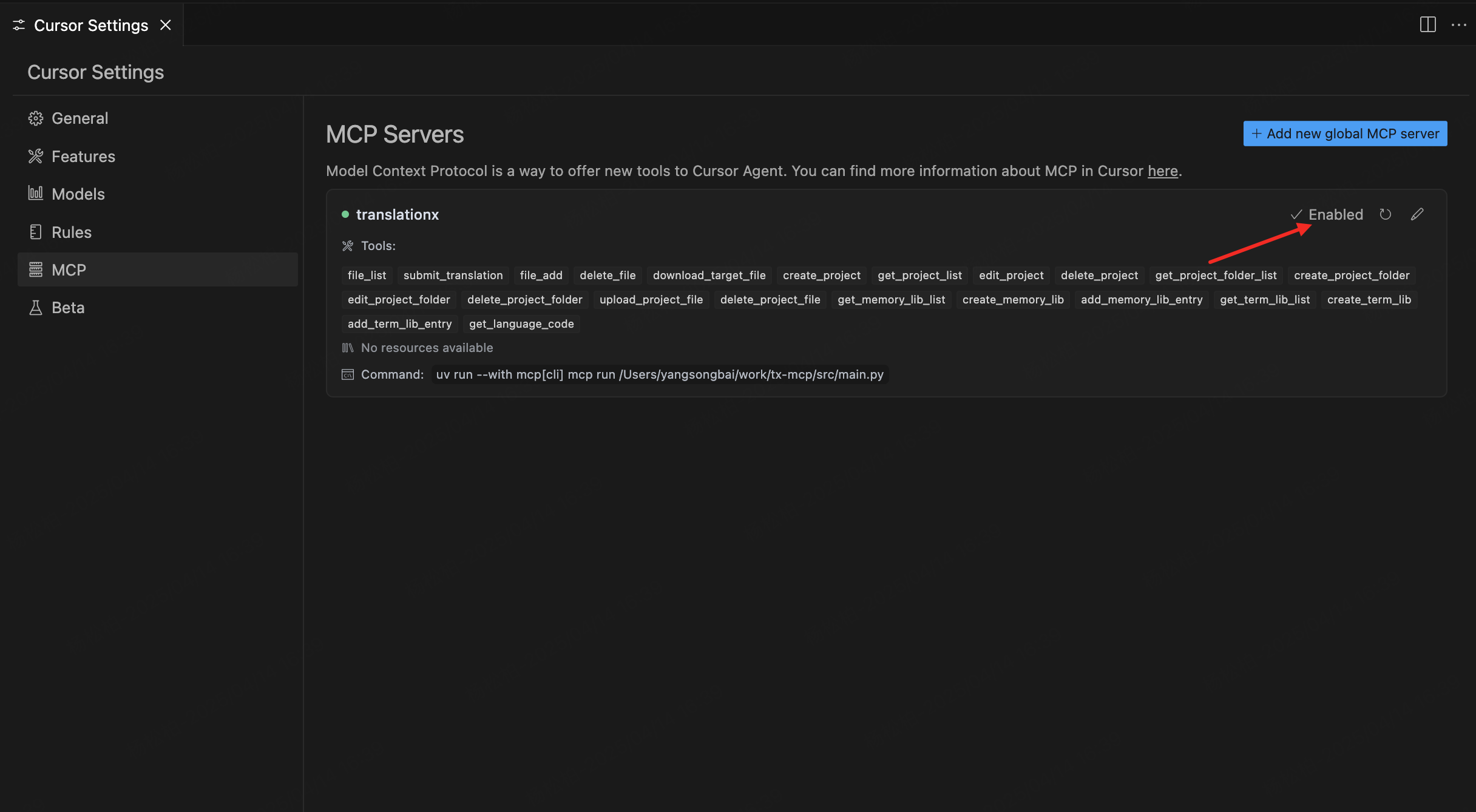
回到配置,此时TranslationX MCP Server已经启用
测试
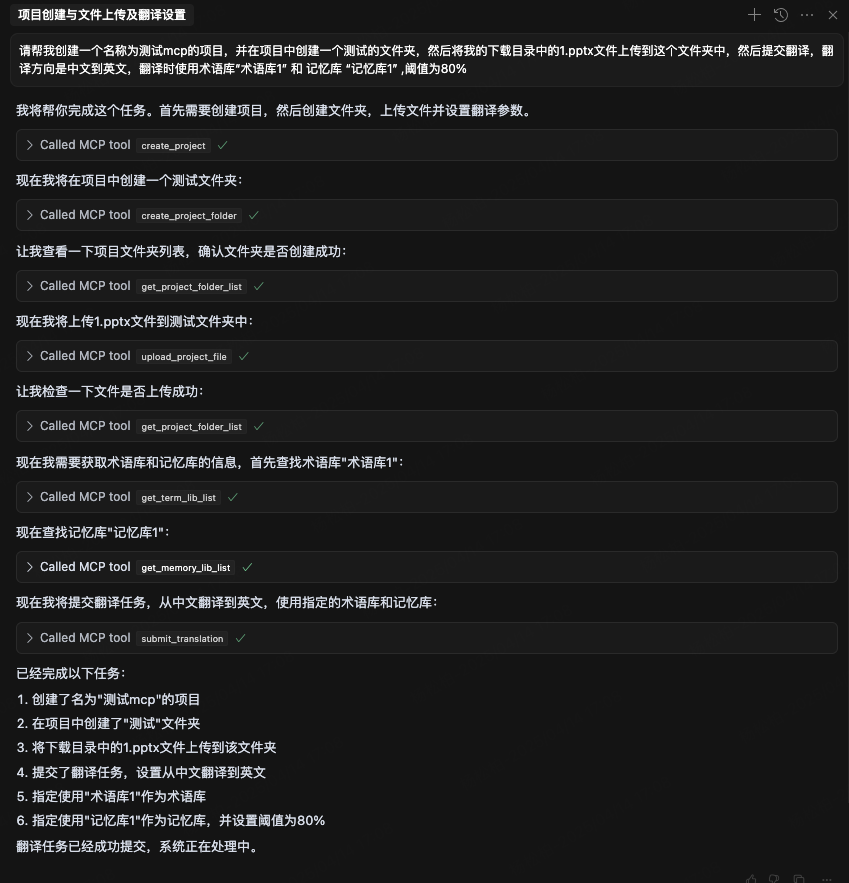
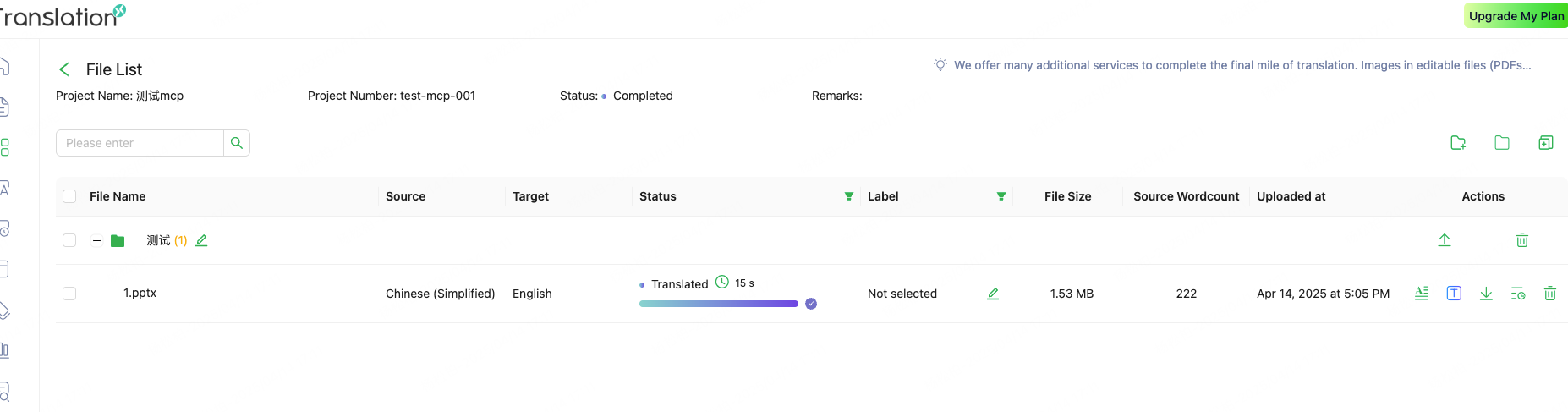
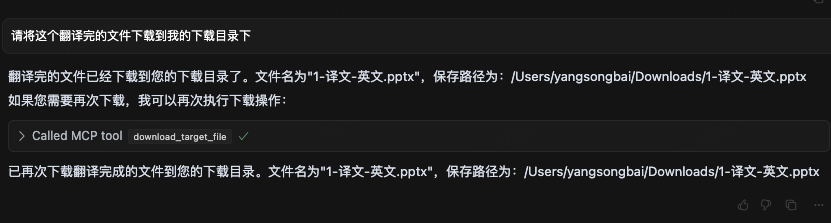
创建项目,并创建文件夹,然后文件到文件夹中,并提交翻译:

Recommend MCP Servers 💡

matthewdcage/pbs-mcp-server
MCP server for accessing Australian Pharmaceutical Benefits Scheme (PBS) API with natural language LLM integration


asgardeo-mcp-server
Manages Asgardeo organization or WSO2 Identity Server deployments using LLM tools, enabling natural language interactions for various configuration tasks.


@liuyoshio/mcp-compass
MCP Discovery & Recommendation Service that helps find the right MCP server for needs

routine-mcp-server
The Routine Model Context Protocol (MCP) server integrates with the Routine application to provide contextual information to MCP clients via stdin/stdout.


brian3814/notion_fastmcp
A MCP server that integrates with Notion to manage and retrieve tasks.

@scrapezy/mcp
A MCP server for Scrapezy enabling AI models to extract structured data from websites